Get instant support with our search!
Viewing policies and courses within Teams

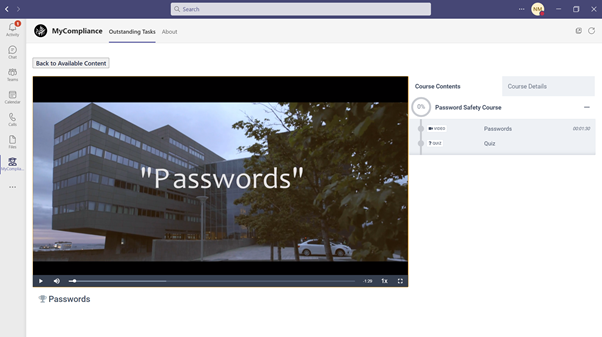
Users can review all pending content by first navigating to the relevant tile and selecting the View option next to the required policy, assessment or course. Examples are shown below:
A. Policies
B. Courses